How to accept online payments
A guide to accepting card, transfer, and USSD payments from your customers. Get paid instantly and cash out to your bank account.
Why accept online payments?
When customers can pay online, they can complete their order immediately without waiting for you to confirm a transfer manually. You get paid faster, avoid payment disputes, and spend less time chasing payments. Online payments also let you sell to customers across Nigeria, not just people who can visit your physical location.
Payment methods your customers can use
With Kola, your customers can pay with debit or credit cards, bank transfers from any Nigerian bank, and USSD for customers who prefer to pay without data. Offering multiple payment methods means fewer abandoned orders because customers can pay the way they prefer.
How payment works
When a customer places an order through your online store or WhatsApp, Kola generates a secure payment link. The customer clicks the link, chooses their payment method, and completes the payment. You receive instant confirmation that the payment went through, so you can start processing the order immediately.
Get instant payment confirmation
You do not need to check your bank account or ask customers to send payment receipts. Kola verifies payments automatically and notifies you as soon as a payment is confirmed. This eliminates the back-and-forth of manual payment verification and reduces the risk of processing unconfirmed orders.
Track your payments
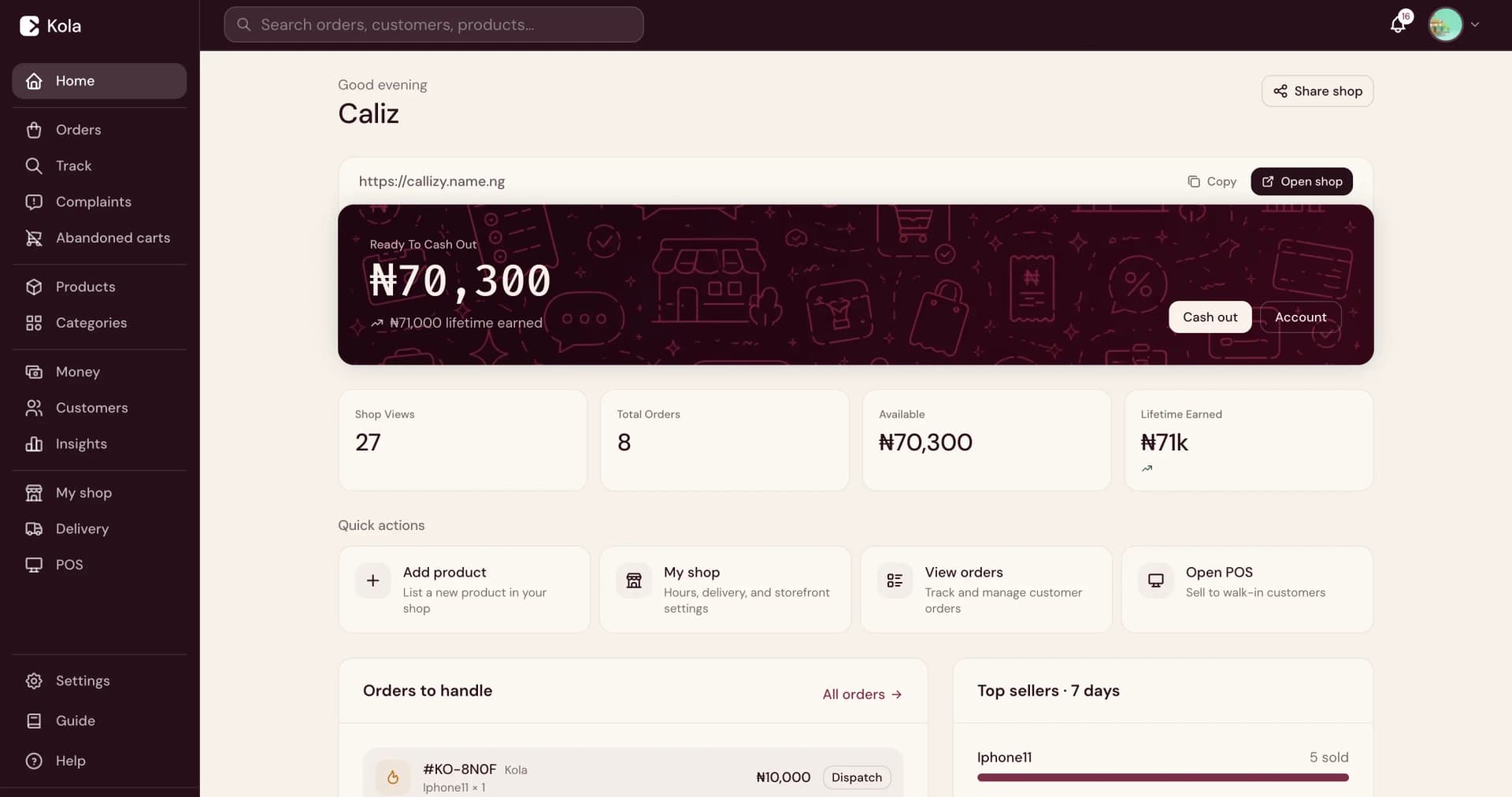
See every payment, transaction, and payout in your Merchant Dashboard. Filter by date, status, or amount. Know exactly how much you have earned, how much is available to cash out, and what charges have been applied. Your payment history is always available so you can reconcile your accounts.
Cash out your earnings
Transfer your available earnings to any Nigerian bank account. You can cash out manually whenever you want, or set up automatic cash-out so your money moves to your bank account on a schedule. Cash-out requests are processed to your bank account.
Understand the charges
Kola shows you the applicable payment and service charges before you transact. There are no monthly subscriptions, no hidden fees, and no surprise deductions. You know exactly what you are paying for and how much reaches your account after each transaction.
Frequently asked questions
What payment methods can my customers use?+
Your customers can pay with debit or credit cards, bank transfers from any Nigerian bank, and USSD.
How quickly do I get paid?+
Payments are confirmed instantly. Your earnings are available to cash out to your bank account.
Are there any monthly fees?+
No. There is no monthly subscription. You only pay applicable payment and service charges when you make sales.
Can I accept payments on WhatsApp?+
Yes. When customers order through WhatsApp, Kola sends them a secure payment link in the conversation. They can pay without leaving the chat.
How do I cash out my earnings?+
Go to the Money section in your Merchant Dashboard, enter the amount you want to cash out, and select your bank account. You can also set up automatic cash-out.
Customers say they'll pay later and then never do. How do I get them to pay upfront?+
Kola sends customers a secure payment link as part of the order process. They pay by card, bank transfer, or USSD before you start processing. You get instant confirmation so you only fulfil paid orders.
I don't trust giving my bank details to customers. Is there a safer way to collect payments?+
Yes. With Kola, customers pay through a secure payment link processed by CBN-licensed payment partners. Your bank details are never shared with the customer. Payments are settled directly to your bank account.
Start accepting payments
Create your Kola store and start accepting payments from your customers. No monthly subscription, no setup fee.