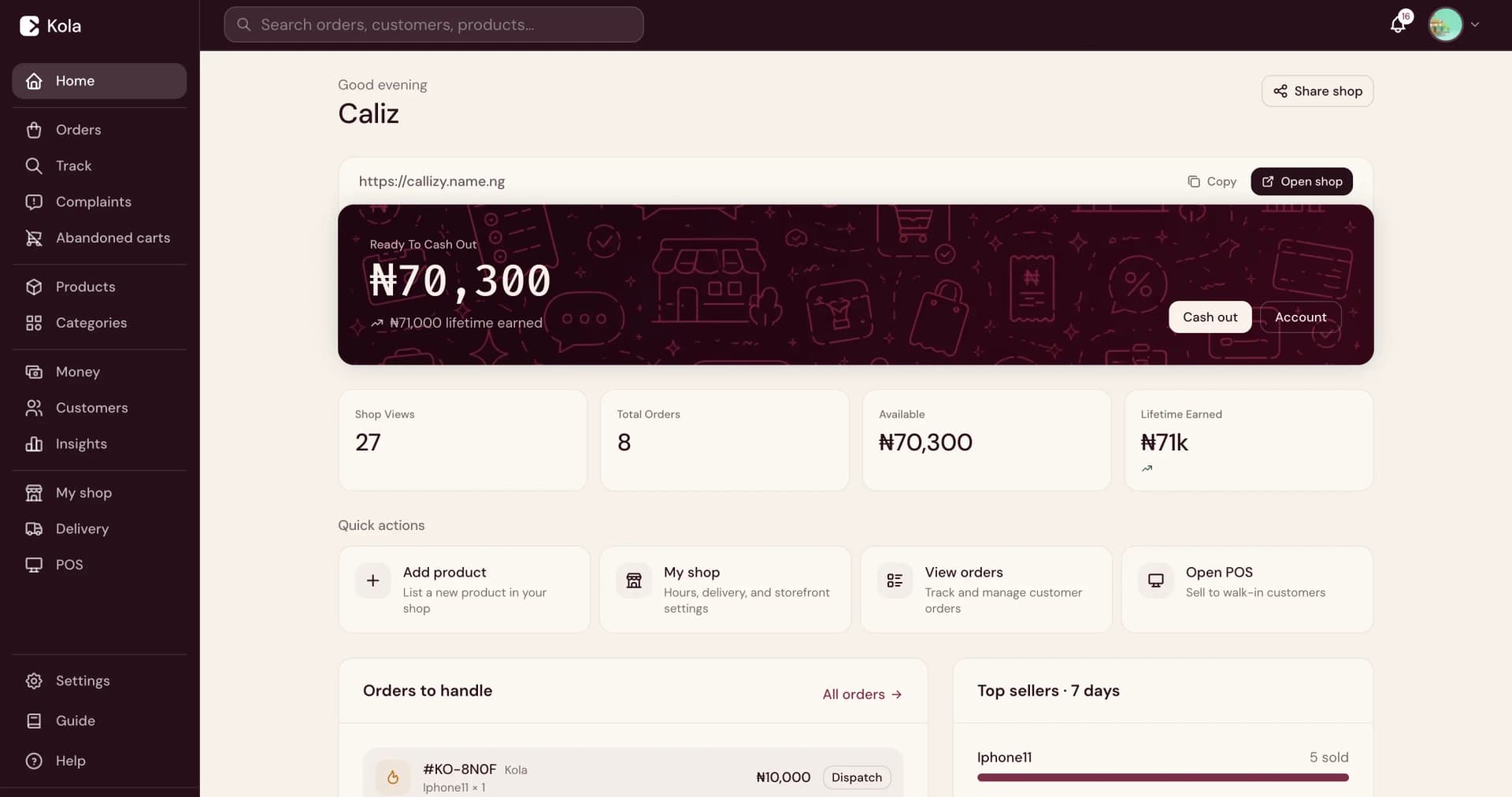
How to create an online store
Everything you need to set up an online store, add products, accept payments, and start selling to your customers. No coding or design skills required.
Sign up and name your store
Create your Kola account with your phone number. Choose a name that your customers will recognize. This becomes your store URL that you can share with anyone. You can also connect a custom domain later if you want to use your own web address.
Set up your brand
Upload your business logo and choose an accent color that matches your brand. These appear across your store, share cards, and receipts. A consistent look helps customers recognize and trust your business. You can update your branding at any time from your Merchant Dashboard.
Add your products
Upload product photos, write descriptions, and set prices. Use clear, well-lit photos that show your product from different angles. Write descriptions that answer the questions your customers would ask. If your product comes in different sizes, colors, or options, add those as variants so customers can choose what they want.
Organize with categories
Group your products into categories so customers can browse by type. For example, a fashion store might have categories like Dresses, Shoes, and Accessories. A food business might use Meals, Snacks, and Drinks. Good categories help customers find what they want without scrolling through your entire catalog.
Set up payments
Enable online payments so customers can pay when they order. Kola supports card payments, bank transfers, and USSD. Payments are confirmed instantly, so you know when an order has been paid. You can cash out your earnings to any Nigerian bank account.
Configure delivery and pickup
Decide how customers will receive their orders. You can offer delivery, pickup from your location, or both. Set your delivery fees, define your delivery zones, and add your pickup address with operating hours. When you are ready, you can book riders through Kola logistics directly from your dashboard.
Share your store
Your store is live as soon as you add your first product. Share your store link on WhatsApp, Instagram, Facebook, and anywhere your customers are. Create branded share cards for individual products to post on social media. Print QR codes for your physical location so walk-in customers can find you online too.
Frequently asked questions
How much does it cost to create an online store?+
Creating a Kola store is free. There is no monthly subscription. You only pay applicable payment and service charges when you make sales.
Do I need coding skills to create an online store?+
No. Kola is built for business owners. You can create a store, add products, and start selling without any technical skills.
Can I sell digital products?+
Yes. You can sell both physical and digital products from the same store. Digital products are delivered through download links after payment.
Can I use my own domain name?+
Yes. You can connect a custom domain to your Kola store instead of using the default Kola subdomain.
I don't have a website and can't afford a developer. Can I still sell online?+
Yes. Kola creates a branded online store for you when you add your products. There is no coding, no designer, and no monthly subscription required. Your store is ready to share as soon as you add your first product.
I already sell on WhatsApp. Do I still need an online store?+
An online store lets customers browse, order, and pay on their own without messaging you. It works alongside WhatsApp so you can reach more customers while reducing the time you spend answering the same questions.
Ready to create your store?
Create your Kola store, add your products, and share it with your customers. No subscription, no setup fee.