How to sell on WhatsApp
Learn how to use WhatsApp to showcase your products, take orders, and get paid. No separate app, no complicated setup.
Why sell on WhatsApp?
WhatsApp is where your customers already spend their time. Over 90% of Nigerian smartphone users have WhatsApp installed. Instead of asking customers to download a new app or visit a website, you can meet them where they already are. Selling on WhatsApp removes friction. Customers can ask questions, browse products, and place orders in the same conversation.
Set up your products
Before you can sell on WhatsApp, you need products for customers to browse. Add your products to Kola with clear photos, descriptions, and prices. Your products will be available both in your online store and on WhatsApp, so you only need to add them once. When you update a price or mark something as out of stock, it updates everywhere.
Let customers browse in chat
When a customer messages your Kola WhatsApp number, they can browse your products directly in the conversation. They see product photos, prices, and details without leaving WhatsApp. This is faster than sending them a link to your website and more reliable than posting product photos in your status.
Use the AI sales assistant
Kola gives you an AI sales assistant that can answer customer questions about your products, prices, and availability. When a customer asks what sizes are available or whether a product is in stock, the assistant can respond immediately. This means customers get answers even when you are busy, sleeping, or away from your phone.
Take orders and payments
Customers can place orders directly through the WhatsApp conversation. When they are ready to pay, Kola sends them a secure payment link in the chat. They can pay with card, bank transfer, or USSD without leaving WhatsApp. You get notified as soon as the payment is confirmed.
Manage orders from WhatsApp
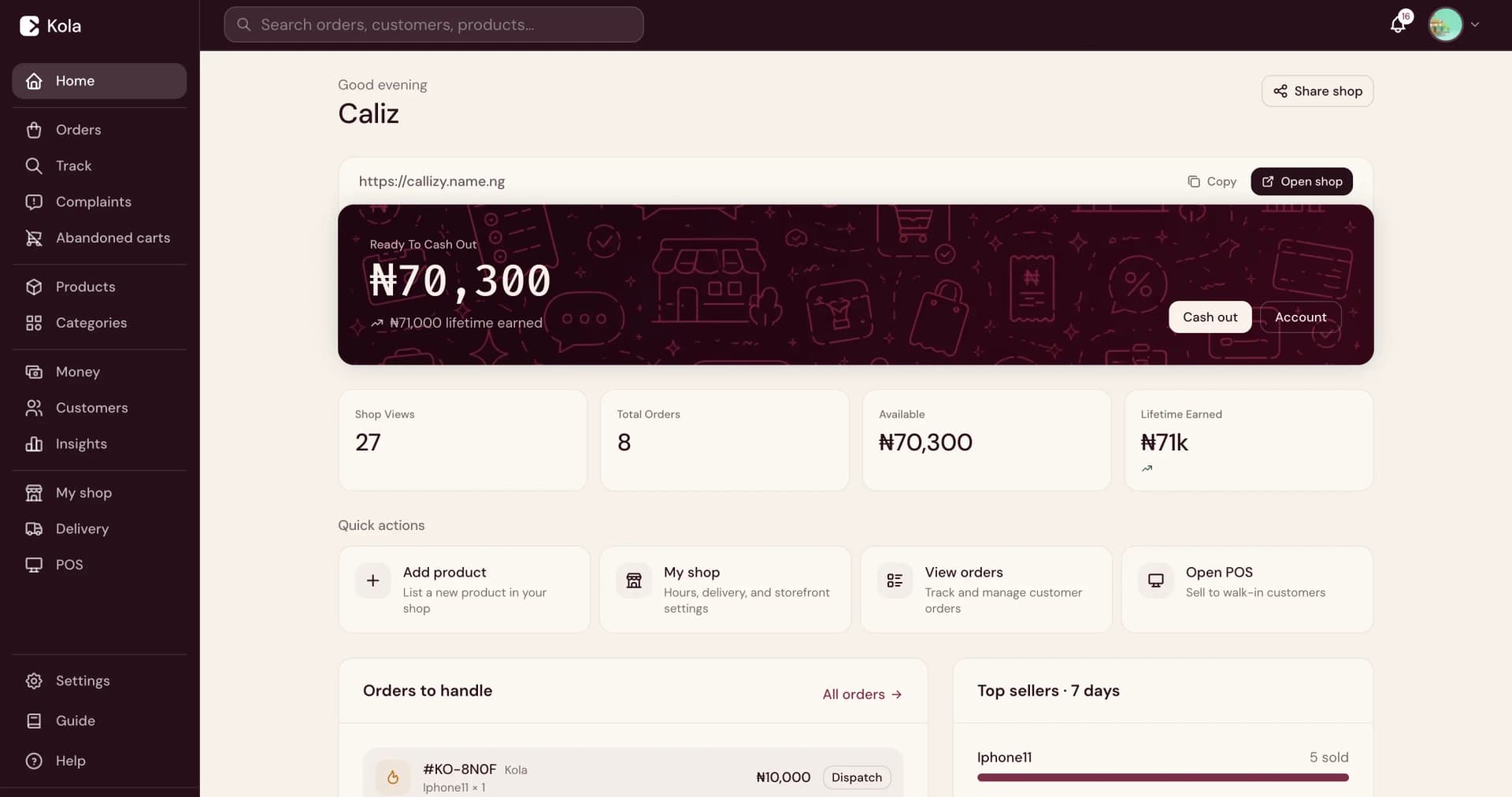
You can manage your business from the same WhatsApp thread. Check your balance, see new orders, update product details, and manage your store using simple commands. For more detailed management, use the Merchant Dashboard. Everything stays in sync between WhatsApp and your dashboard.
Promote your WhatsApp store
Share your WhatsApp store link on Instagram, Facebook, Twitter, and your other social channels. Add it to your bio, your email signature, and your business card. When customers click the link, they land directly in a WhatsApp conversation where they can start shopping. You can also share branded product cards that link directly to WhatsApp.
Frequently asked questions
Do my customers need to install anything?+
No. If your customers already have WhatsApp, they can browse, order, and pay without installing anything else.
Can I sell on WhatsApp and my online store at the same time?+
Yes. Your products, prices, stock, and orders stay in sync. You manage everything from one place.
Does the AI assistant reply to every message?+
The assistant handles common questions about products, prices, and orders. For messages it cannot handle, you will be notified to respond personally.
How do customers pay on WhatsApp?+
Kola sends a secure payment link in the chat. Customers can pay with card, bank transfer, or USSD. You get notified when the payment goes through.
I keep missing customer messages and losing sales. How do I fix that?+
Kola's AI sales assistant responds to customers on WhatsApp automatically, even when you are busy or offline. It answers product questions, shares prices, and helps customers place orders so you do not lose sales while you are away.
Customers ask about products but I can't reply when I'm busy. What happens to those orders?+
Kola's AI assistant handles the conversation for you. It can answer questions, show product details, and guide customers through ordering and payment. You get notified when an order comes in.
I'm copying and pasting prices and photos into every chat. Is there a faster way?+
Yes. When customers message your Kola WhatsApp number, they can browse your full product catalog with photos, prices, and variants directly in the chat. You add your products once and Kola handles the rest.
Start selling on WhatsApp
Create your Kola store and connect it to WhatsApp. Your customers can start browsing and ordering immediately.